Article Content
Quick Answer: Why Clean AI Text Before You Send It?
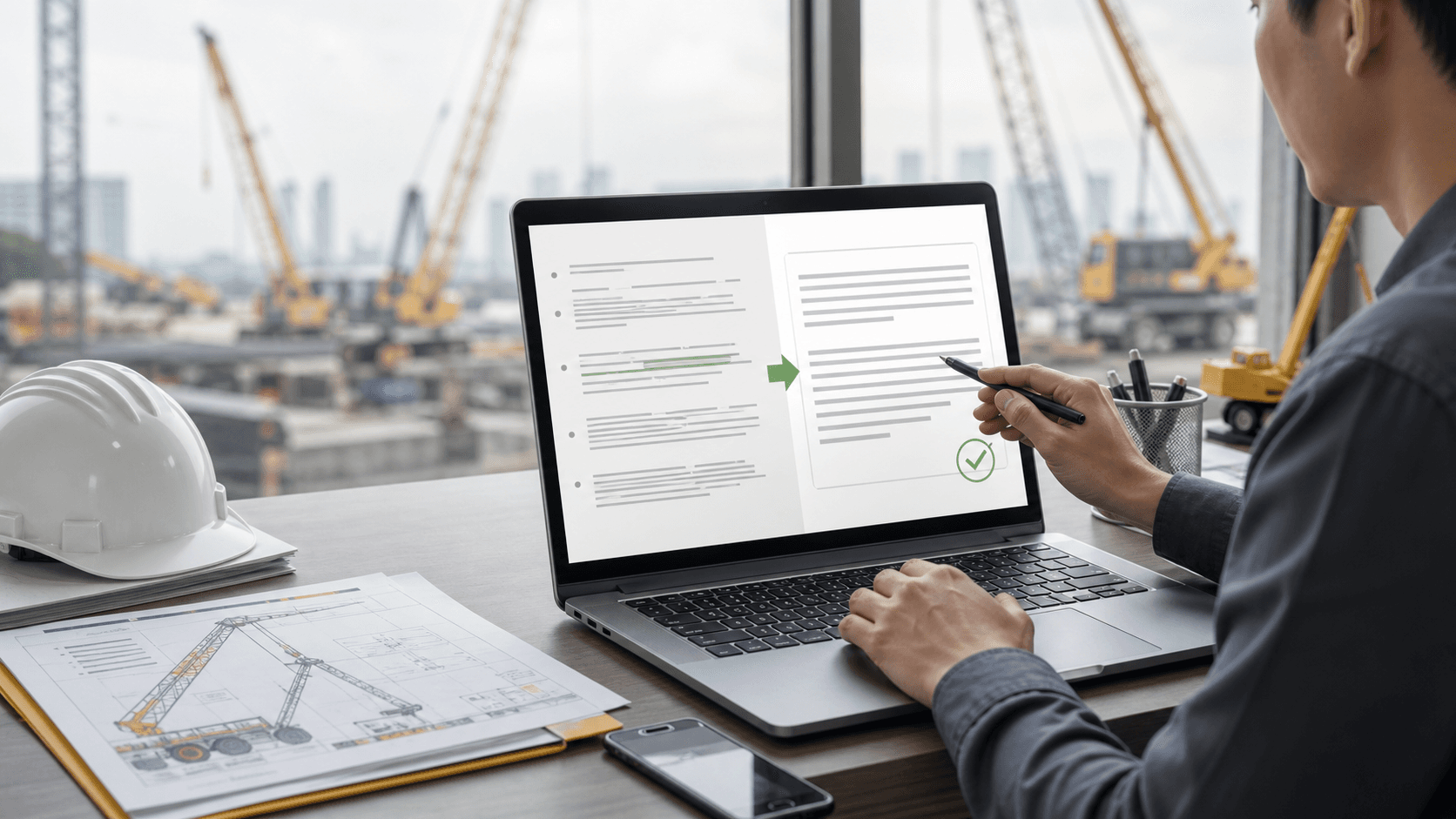
AI tools such as ChatGPT, Claude, and Gemini are excellent for drafting emails, reports, proposals, website copy, and social posts. The problem usually appears after the draft is written: Markdown symbols, extra blank lines, broken bullets, code block marks, HTML tags, hidden characters, smart quotes, and long dashes can follow the text into your final document.
CleanCopy AI is a browser-based text cleaner built for this exact step. You paste messy AI-generated text, clean the formatting, and copy a cleaner plain-text version into Google Docs, Word, Gmail, LinkedIn, Facebook, Notion, WordPress, Webflow, or a CMS.
For business teams, this is not a cosmetic issue. Clean formatting saves time, reduces repeated manual edits, and makes customer-facing communication look more professional.
The Hidden Cost of Copying Text Directly from AI
AI chat interfaces are designed for readable conversation. They are not always designed for perfect copy-and-paste behavior across every business system.
Common issues include:
- Markdown headings such as
##and### - Bold and italic markers such as
**text**or_text_ - Bullets that become misaligned after pasting
- Markdown links that do not fit your document format
- Triple backtick code fence markers
- AI-style divider lines such as
--- - HTML tags copied from rich text sources
- Extra blank lines and irregular spacing
- Hidden characters that are hard to see but can affect formatting
- Smart quotes and long dashes that display inconsistently in some systems
Individually, each issue is small. In daily operations, the time adds up. If a team spends 2-5 minutes cleaning every AI draft by hand, the lost time can become hours each week.
Where AI Text Cleanup Fits in a Professional Workflow
The best workflow is simple:
- Use AI to create the first draft.
- Check the content for accuracy.
- Clean the formatting with a text cleaner.
- Paste the clean copy into the final platform.
- Review the final version before sending or publishing.
This keeps AI useful without letting messy formatting leak into customer emails, project reports, quotes, social posts, or published website content.
For teams in operational industries such as construction, logistics, equipment rental, crane services, and industrial maintenance, clear communication matters. A poorly formatted message can make important details harder to read, especially when the message includes dates, job-site instructions, lifting requirements, delivery notes, safety documents, or pricing conditions.
What CleanCopy AI Removes
Based on the tool's public page, CleanCopy AI focuses on removing formatting noise rather than rewriting your content. It can clean:
- Markdown symbols
- HTML tags
- Hidden characters
- Extra spaces
- Extra blank lines
- Code block marks
- AI-style dividers
- Messy bullets
- Smart quotes
- Long dashes
It also states that emojis and hashtags are kept by default and can be removed in advanced settings when needed.
That distinction matters. CleanCopy AI is not positioned as an "AI humanizer" and is not designed to bypass AI detection. It is a utility for making text easier to copy, paste, and publish.
Practical Use Cases for Business Teams
1. Customer Emails
Many teams use AI to draft customer replies because it is fast. But if the final email contains leftover Markdown or strange spacing, the message can feel careless. Cleaning the text before pasting it into Gmail or Outlook helps the email look like a finished business message.
2. Quotes and Proposals
In service businesses, proposals and quotes often get forwarded to purchasing, accounting, or management teams. Clean formatting makes the document easier to read and reduces the chance that small formatting mistakes distract from the offer.
For example, if you are preparing a project inquiry for crane rental services, the important details should be easy to scan: load weight, working radius, site location, access conditions, schedule, and required documentation.
3. Project Reports
AI can help convert raw notes into a clean project report. Before pasting the report into Word or Google Docs, a cleanup step removes unnecessary formatting and gives the document a more consistent structure.
4. Website and CMS Content
Content teams often draft articles, service descriptions, and landing page copy with AI. CMS editors do not always handle copied Markdown gracefully. Cleaning the copy first reduces the risk of publishing ###, **bold markers**, or broken bullets on a live page.
This is especially useful for technical and operational content, such as crane rental budget planning or industrial machinery relocation guides, where readability directly affects trust.
5. Social Media Posts
LinkedIn, Facebook, Threads, and X all handle formatting differently. AI-generated bullets and dividers may look fine in chat but awkward after posting. Cleaning the draft first gives you plain text that is easier to adjust for each platform.
Recommended Workflow: AI Draft to Clean Copy to Final Review
Step 1: Draft with Purpose
Ask the AI for the exact format you need: an email reply, a project summary, a LinkedIn caption, a website service description, or a report section. The more specific the request, the less cleanup you need later.
Step 2: Check the Facts
Before cleaning formatting, verify all important details:
- Names of people, companies, and locations
- Dates, times, and deadlines
- Prices and commercial terms
- Technical details such as model names, weights, capacities, or dimensions
- Safety requirements and required documents
Clean formatting does not make incorrect information correct. It only makes the text easier to use.
Step 3: Clean the Formatting
Paste the draft into CleanCopy AI and copy the cleaned output. This removes the most common AI formatting artifacts before the text reaches the final platform.
Step 4: Paste into the Final Tool
Use the cleaned text in Google Docs, Microsoft Word, Gmail, Outlook, LINE OA, LinkedIn, Facebook, Notion, WordPress, Webflow, or your internal CMS.
Step 5: Review in Context
Always read the text one more time in the final destination. This is where you catch tone, spacing, line breaks, and business details in the exact place where the reader will see them.
A Simple Checklist Before Sending AI-Written Text
Use this checklist before sending or publishing AI-assisted copy:
- No
##,**, code fence markers, or raw Markdown symbols remain. - Bullets are easy to read and not nested incorrectly.
- Spacing between paragraphs feels intentional.
- No HTML tags are visible.
- Names, numbers, dates, and locations are correct.
- The tone matches the recipient.
- The text is ready for the platform where it will be used.
For customer-facing content, this extra pass is worth it. It helps the message look finished, not copied straight from a chat window.
Clean Copy Is Not the Same as Correct Content
This point is important: a text cleaner should not replace expert review.
If an AI draft contains the wrong crane capacity, incorrect working radius, wrong site location, or unsafe instruction, cleaning the formatting will only make the wrong information look neater. For any technical, legal, financial, safety, or commercial content, the responsible person still needs to verify the facts.
In industrial work, that principle is familiar. A clean document does not replace a proper lift plan, site survey, load chart review, inspection document, or qualified operator. The same logic applies to AI writing: use tools to reduce friction, but keep human review in the loop.
Frequently Asked Questions
What is an AI text cleaner?
An AI text cleaner removes messy formatting from text generated by tools such as ChatGPT, Claude, Gemini, and other AI writing tools. It helps prepare text for documents, emails, websites, and social platforms.
Does CleanCopy AI rewrite my text?
No. CleanCopy AI focuses on cleaning formatting such as Markdown, spacing, HTML tags, emojis, and hidden characters. It is not intended to rewrite or paraphrase the content.
Is my text uploaded?
CleanCopy AI states on its website that the tool runs in your browser and that your text is not uploaded, stored, or sent to a server.
Can I use it for Google Docs, Word, or CMS content?
Yes. That is one of the strongest use cases. Clean the AI draft first, then paste it into Google Docs, Word, WordPress, Webflow, Notion, or another content system.
Final Takeaway
AI can speed up writing, but the final handoff still matters. CleanCopy AI solves a very common bottleneck: turning messy AI output into copy-ready plain text without manually deleting Markdown, spacing issues, and hidden formatting artifacts.
For teams that write emails, reports, proposals, social posts, and website content every day, adding a simple "AI draft -> clean copy -> final review" step can save time while keeping the final message professional.
Try it here: CleanCopy AI - clean AI-generated text instantly